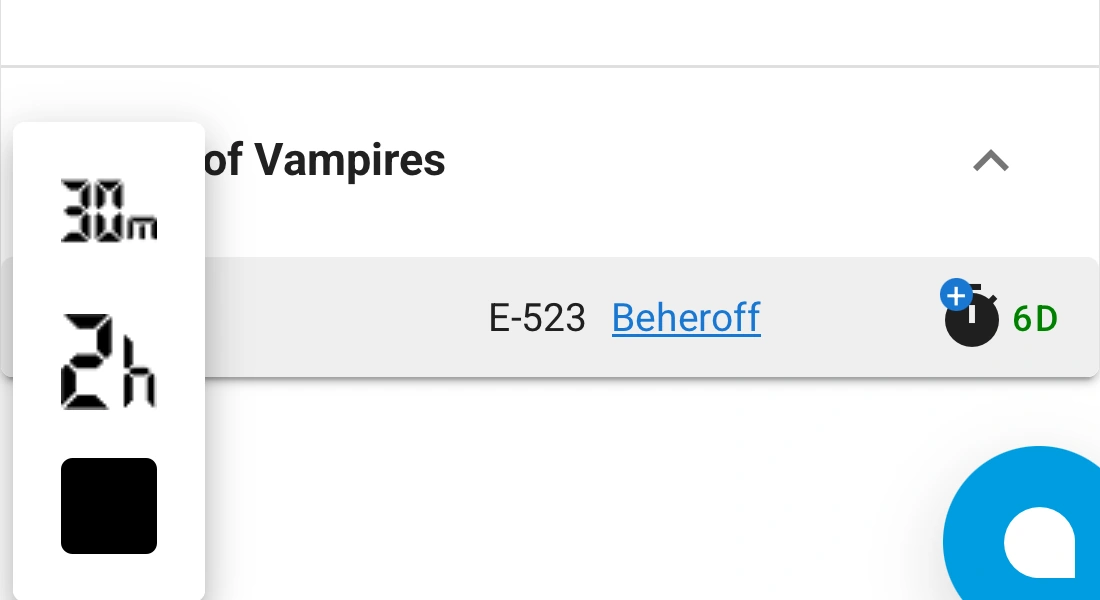
30m
30 minutes
The Assistant will automatically resume after 30 minutes.
A step-by-step guide to connecting and setting up the bot for Game of Vampires: Twilight Sun. The bot automatically performs everyday in-game actions, while the Assistant runs on the server — you do not need to install anything on your phone or computer.
The Assistant automatically performs everyday in-game actions for your character. Available functions can be enabled or disabled in the settings: the bot works with main game sections, Family, Guild, Events, Synastry and other features.
Open the Game of Vampires bot and choose a convenient sign-in method: Google, Telegram, VK or Email.
When you sign in for the first time, your Assistant account is created automatically. No separate registration is required.
After your account is created, you will receive 10 trial coupons. They are enough to activate the bot for 7 days free of charge.
Use the same sign-in method you used previously. Different authorization methods may be linked to different Assistant accounts.
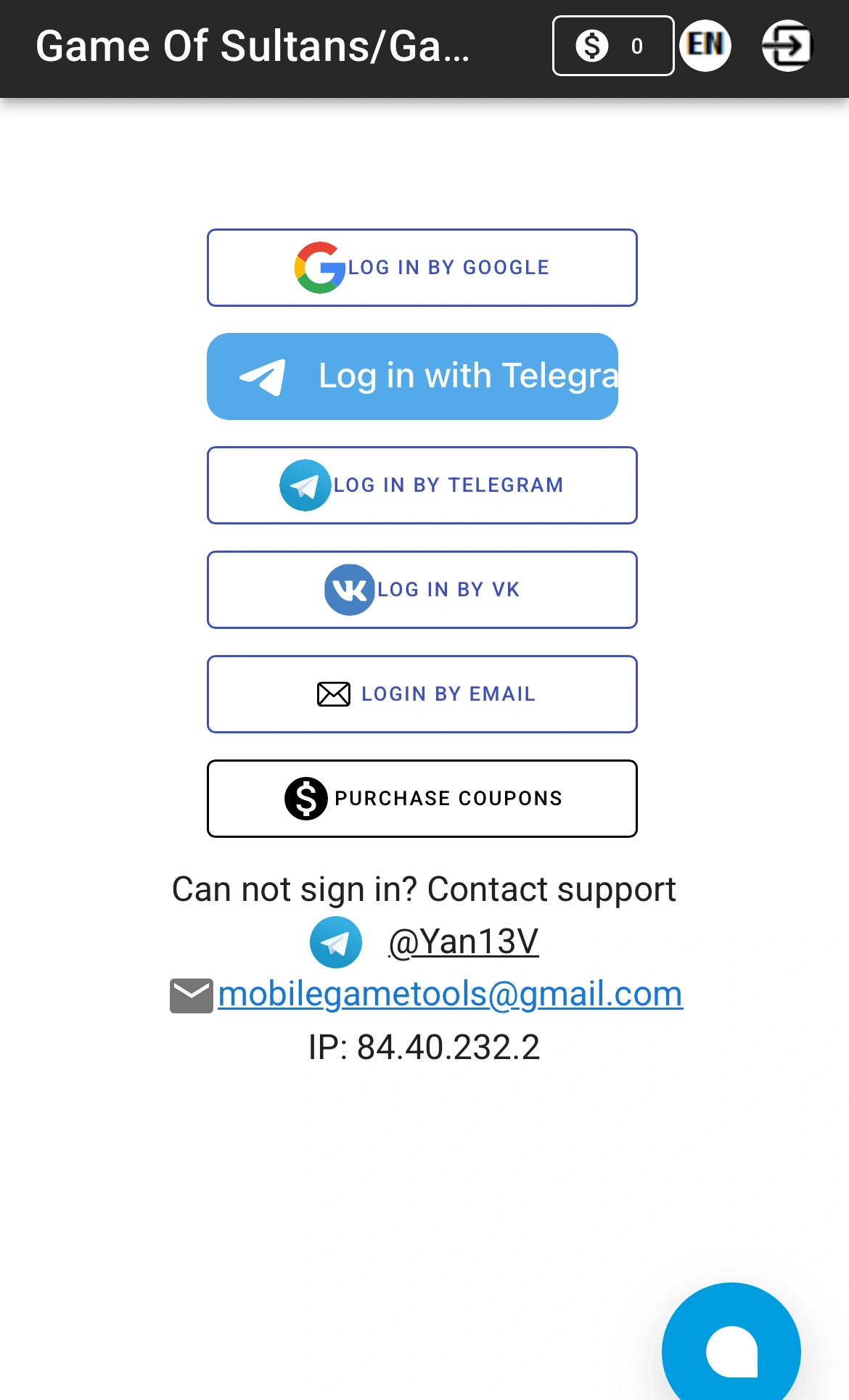
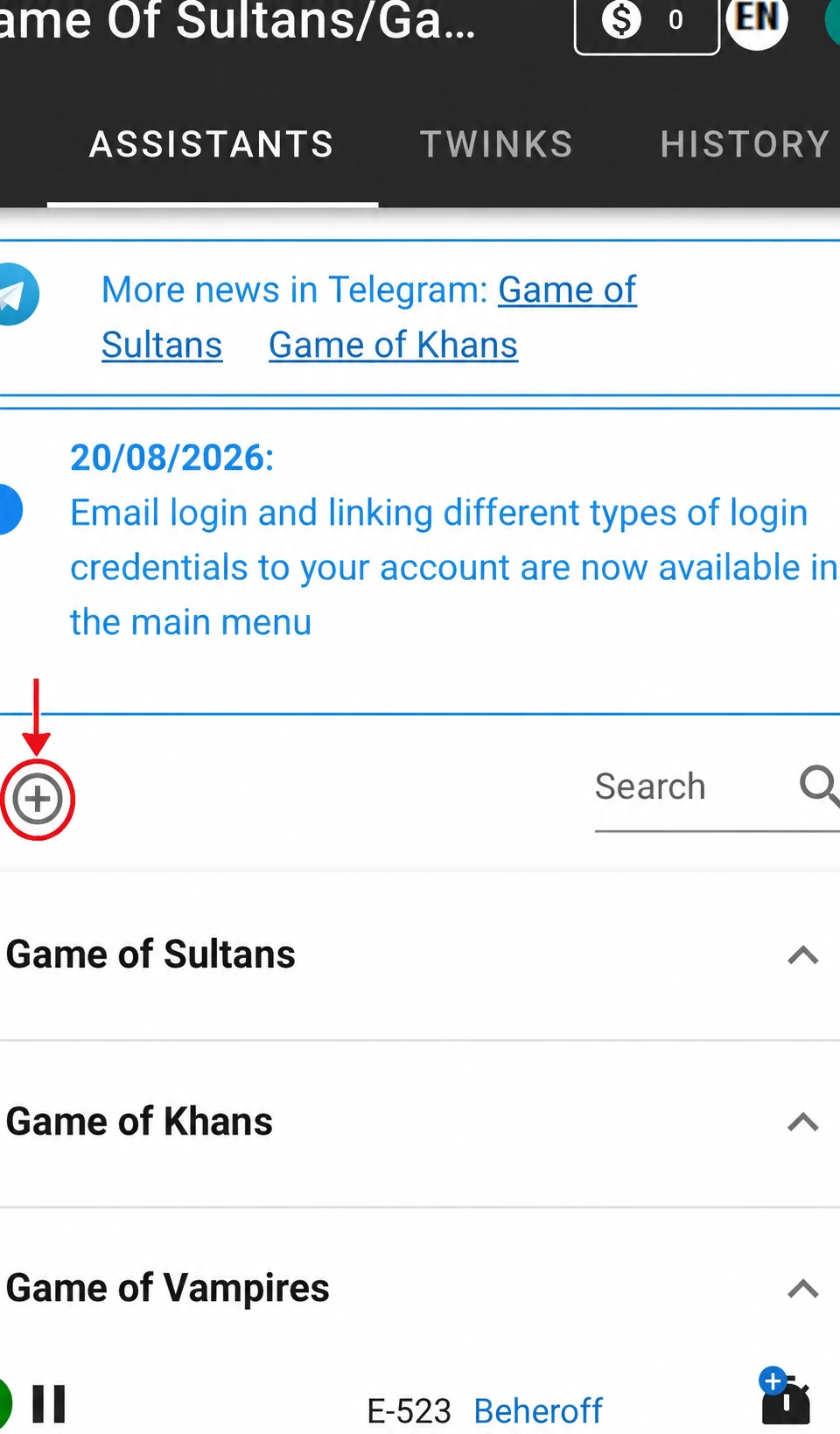
After signing in, the “Assistants” tab will open. Click the “+” icon to add a new game account.
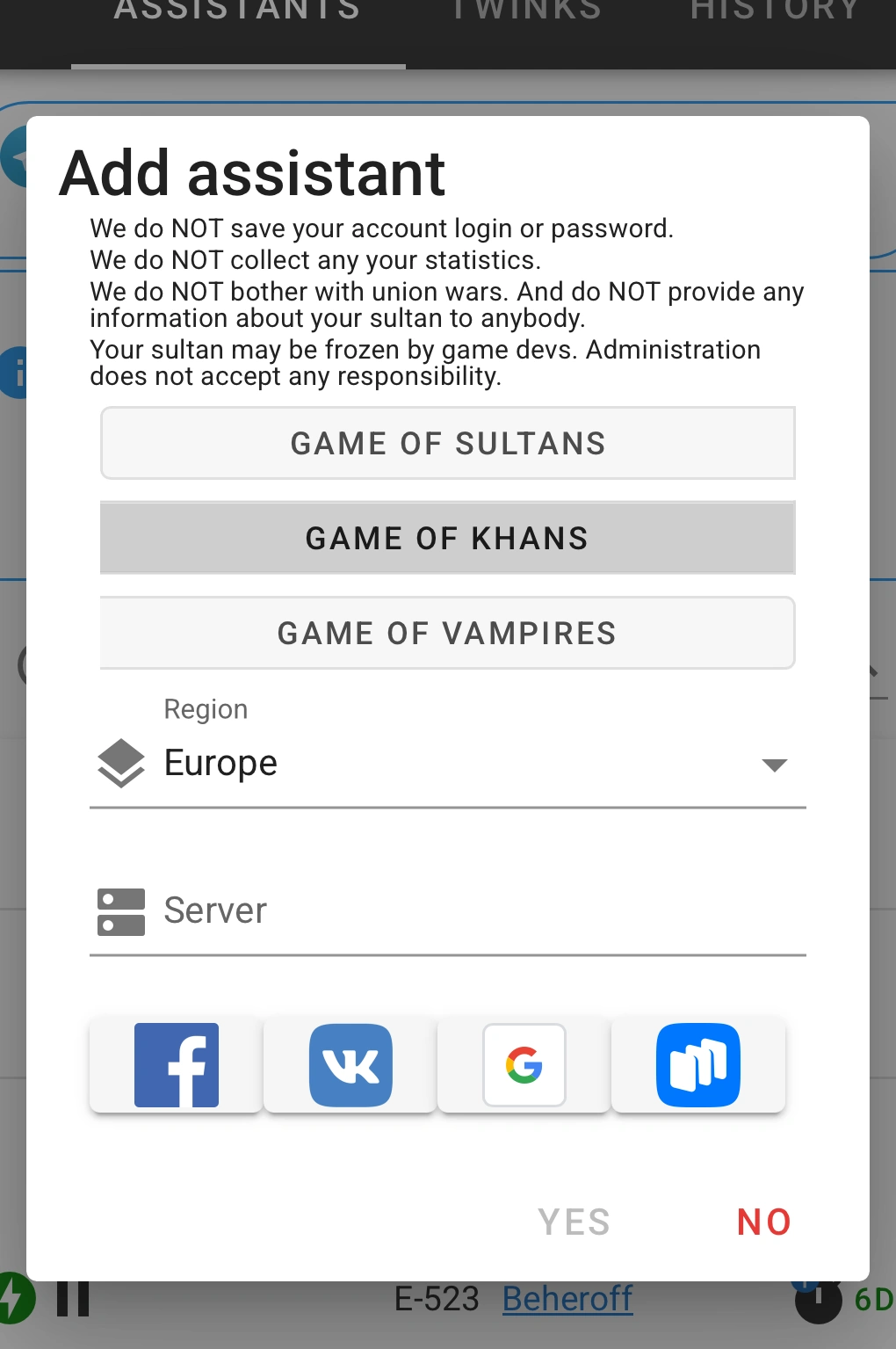
Select “Game of Vampires”, choose your region and enter your game server number. Then select the method your game account is linked to.
Choose the same method your account is linked to in the game itself. A detailed guide for connecting through Google, Facebook, VK and other methods is available below.
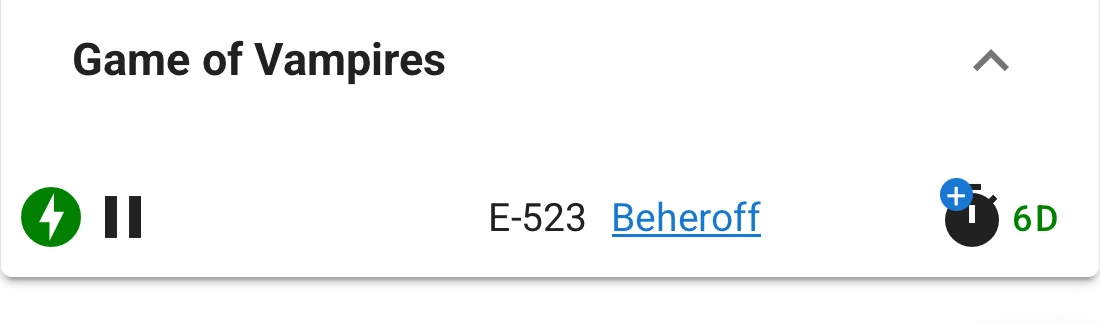
After the account is connected successfully, your character will appear in the “Game of Vampires” section. The row shows the server and character name.
Immediately after adding the game account, the bot is not active yet. A clock icon and “0 d” are displayed to the right of the character name.
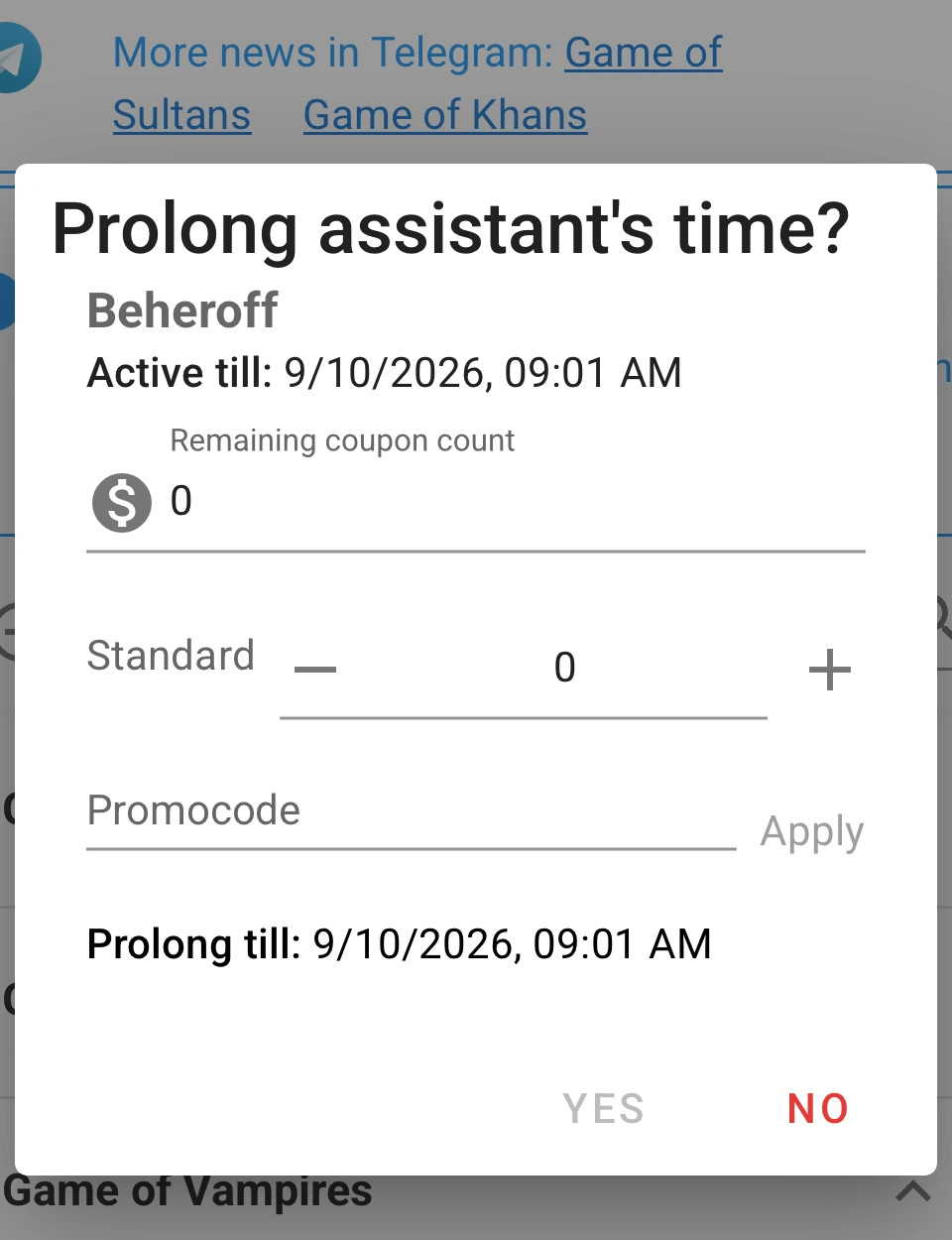
Click the clock icon. In the activation window, click “+”, select 10 coupons and confirm the extension.
Every new user receives 10 trial coupons. That is enough for one free week of bot operation. Future extensions are also purchased in 7-day periods.
After activation, “7 d” will appear next to the account. A green lightning icon means that the Assistant is enabled and working.
You do not need to start or configure anything else. The bot begins working immediately with the default settings.
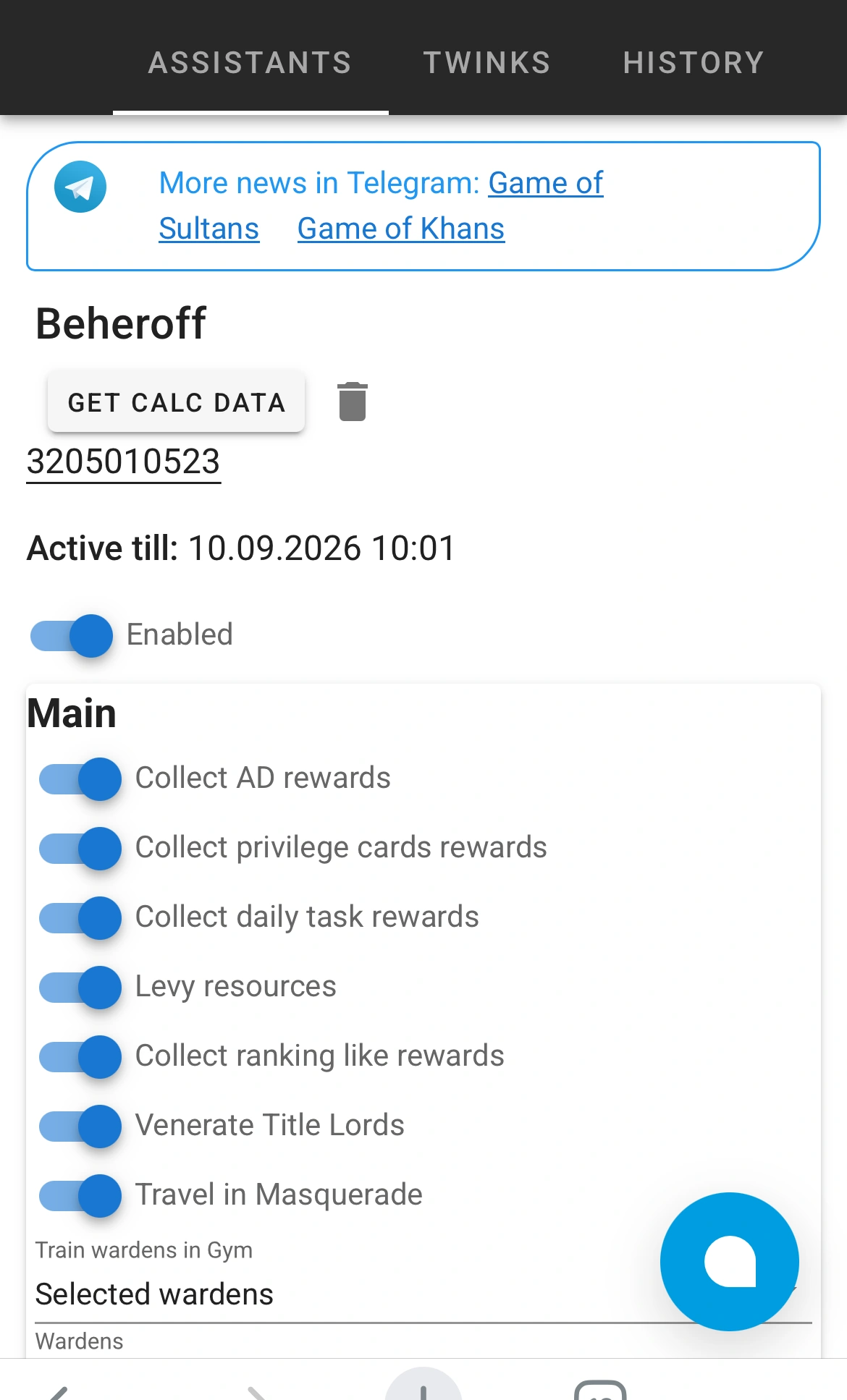
The default bot settings are already suitable for your first run. However, you can choose which actions the Assistant should perform in Game of Vampires: Twilight Sun.
To open the settings, click your character name.
The settings are divided into game sections such as Main, Family, Guild, Events, Synastry and others.
Enable or disable the functions you need, adjust the additional options and click “Save”.
The bot periodically logs in to your game account to perform tasks. If you are playing at the same time, the bot login may interrupt your current game session.
Before opening Game of Vampires yourself, click the pause button next to your account.
A green lightning icon means that the bot is enabled and performing game actions.
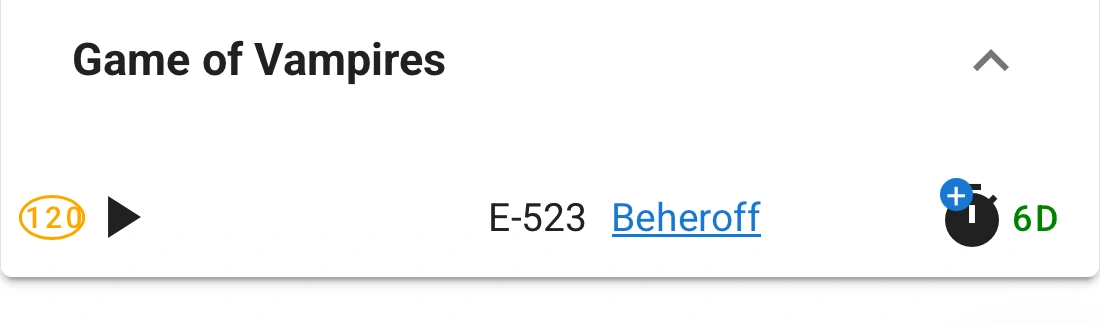
A countdown is shown instead of the lightning icon. The Assistant will resume automatically when the timer ends.
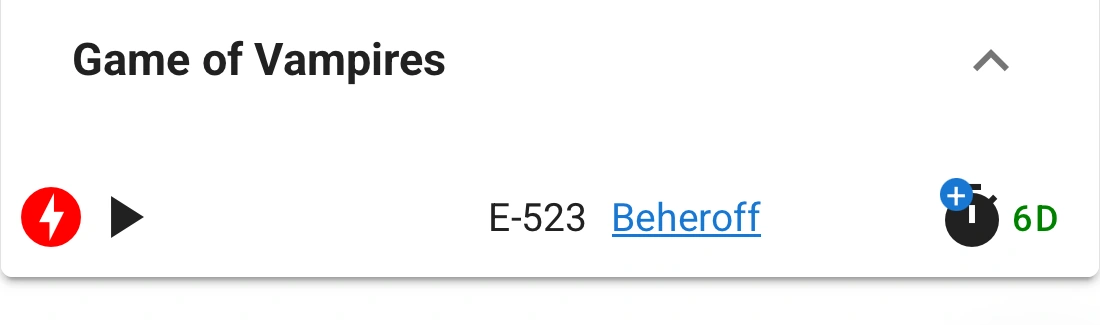
A red lightning icon means that the Assistant is paused indefinitely. Press ▶ to start the Assistant again.
No. After connection and activation, the Assistant runs on the server. You can close both the website page and the game itself.
Yes. Before opening the game yourself, it is recommended to pause the Assistant so that its automatic login does not interrupt your current game session.
No. The bot runs remotely, so there is no need to install an app on your phone or a program on your computer.
After connection, the Assistant can automatically perform everyday in-game actions in Game of Vampires: Twilight Sun. The bot runs on the server, so you do not need to keep the website open, and the game itself can remain closed.